
A product import erases variant values at 10:12. The team has yesterday's CSV, last week's theme download, and no tested path for restoring app configuration, menus, files, or dependent identifiers.
Those files are backups, but they do not yet form a recovery capability. A useful Shopify backup programme names every protected surface, acceptable data loss, restore sequence, accountable owner, and proof that selling can resume safely.
A backup file is not a recovery promise
Shopify can export products, customers, orders, gift-card codes, discount codes, and financial data. A theme download preserves the theme, but Shopify says it excludes products, collections, menus, pages, blog posts, and files. Coverage is therefore fragmented by design.
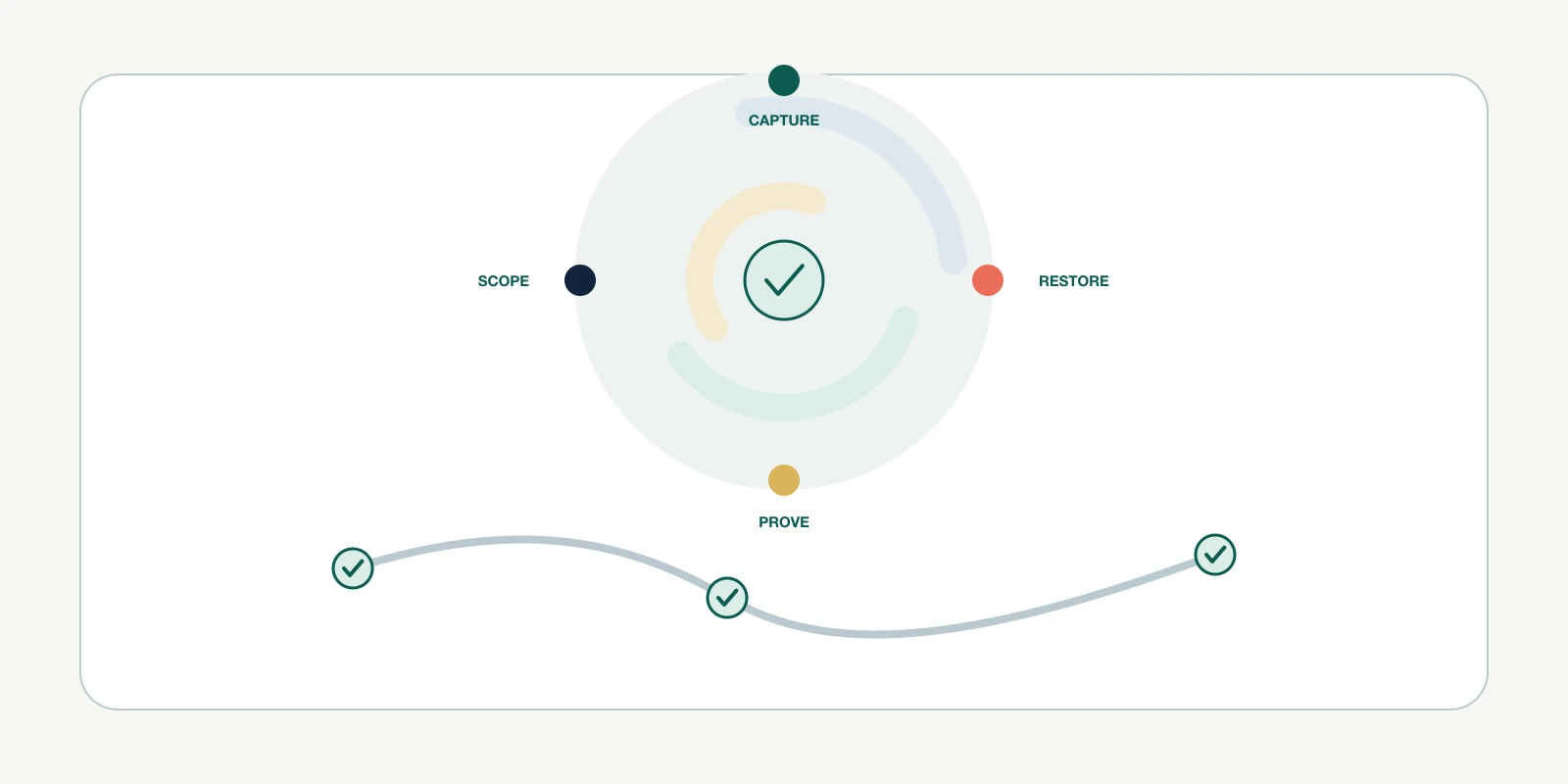
Recovery adds four questions an export cannot answer: how current the copy is, whether it can be restored, how long restoration takes, and whether dependent systems still recognise the result. Call these capture, restore, reconciliation, and release.
| Capability | Evidence | It does not prove |
|---|---|---|
| Capture | Timestamped, readable copy | Importability |
| Restore | Successful bounded restore | Correct commerce behaviour |
| Reconciliation | Expected and actual state match | Safe customer release |
| Release | Guardrails pass and owner signs off | Future recoverability |
A green backup badge proves a job ran. Recovery proof shows the right state returned, dependencies still resolve, and the store can trade within its risk limits.
Write a recovery coverage contract by store surface

Create one row for each recoverable surface. Separate catalog records, theme code and settings, content and files, navigation, discounts, Markets configuration, shipping, taxes, app-owned data, integration mappings, and operational records. Different change rates require different protection.
Set a recovery point objective for acceptable data loss and a recovery time objective for acceptable outage. A high-change inventory mapping might need minutes, while approved evergreen page copy might tolerate a day. Business impact should determine both targets.
| Contract field | Required decision | Acceptance evidence |
|---|---|---|
| Protected scope | Objects, fields, files, settings, relationships | Coverage inventory |
| Recovery point | Maximum acceptable lost changes | Capture timestamps |
| Recovery time | Maximum acceptable degraded operation | Timed rehearsal |
| Restore authority | Who may restore which surface | Named role and access test |
| Dependency order | What must exist first | Restore runbook |
| Success test | What makes commerce safe | Reconciliation receipt |
Preserve identifiers and restore in dependency order
An object can look restored while its relationships are broken. Shopify warns that changing product option values through CSV can delete existing variant IDs and create new ones. Integrations keyed to those identifiers can then fail despite familiar titles and SKUs.

Start by freezing destructive automation and preserving evidence. Restore stable identities and core catalog state before references, theme presentation, app rules, feeds, and outbound automation. Re-enable writes only after each dependency layer passes its own checks.
- Contain writes, timestamp the incident, and capture the current damaged state for comparison.
- Restore identifiers, products, variants, customers, and required relationships within approved scope.
- Rebuild configuration, navigation, content, files, markets, shipping, tax, and payment dependencies.
- Restore app-owned records and external mappings, then reconcile webhook, feed, and automation state.
- Test representative purchase, fulfilment, refund, notification, and reporting paths before reopening writes.
Reconcile commerce behaviour before declaring recovery
A row count is necessary but weak. Compare object counts, key identifiers, relationship integrity, publication state, inventory by location, price and currency, customer consent, discount eligibility, theme settings, and app rules against the approved recovery point.
Use representative journeys as control transactions. A product should be discoverable, purchasable in an intended market, routed to the correct location, paid, notified, fulfilled, refunded, and reported. Keep customer-facing actions in a safe test context.
| Layer | Control test | Stop condition |
|---|---|---|
| Data | Counts, IDs, fields, relationships | Missing or remapped protected state |
| Configuration | Market, shipping, tax, payment rules | Unexpected destination or amount |
| Storefront | Search, product, cart, checkout path | Unavailable or misrepresented offer |
| Operations | Order, fulfilment, refund, notice | Broken handoff or unsafe message |
| Integrations | App, feed, webhook, reporting checks | Duplicate, stale, or missing downstream state |
Choose controls by loss rate, blast radius, and restore cost
A small, slowly changing brochure surface may justify scheduled exports and documented manual recovery. A high-volume catalog with frequent bulk changes, multi-location inventory, and app-owned workflows needs shorter capture intervals, version history, automation, and independent restore evidence.
Price the whole recovery system: storage, software, API work, operator time, test environments, rehearsal, incident labour, and expected loss during the recovery window. Cheaper capture can become expensive when restoration depends on undocumented manual reconstruction.
| Risk signal | Control response | Review trigger |
|---|---|---|
| Frequent bulk catalog writes | Shorter captures and pre-change snapshot | Import or automation change |
| App-owned customer workflow | Vendor export and tested reconstruction | Renewal or scope change |
| Many external ID mappings | Versioned mapping ledger | Integration release |
| High seasonal revenue | Tighter targets and staffed rehearsal | Peak-period planning |
| Manual recovery steps | Dual review and timed runbook | Owner or platform change |
Run one bounded restore rehearsal this week
Choose a low-risk product cohort and one unpublished theme copy. Record the starting state, create approved changes, capture them, restore into a safe target, and reconcile identifiers, relationships, presentation, and dependent app behaviour. Do not overwrite production to prove the plan.
Success means the restore meets its stated point and time objectives, protected relationships survive, control transactions pass, and another qualified owner can follow the runbook. Record every manual exception because exceptions reveal the actual operating cost.
Stop if the target is ambiguous, the backup lacks required fields, identifiers would be regenerated, or the test could trigger customers, fulfilment, feeds, or billing. Preserve the original state, revoke temporary access, and revise the contract before trying again.
Frequently asked questions
Does Shopify automatically back up my entire store?
Can a Shopify CSV restore deleted products exactly?
What should a Shopify backup include besides products?
How often should a Shopify store be backed up?
How do we test Shopify recovery without risking the live store?
Sources
- Shopify Help Center: Backups and duplication, accessed September 4, 2026
- Shopify Help Center: Downloading themes, accessed September 4, 2026
- Shopify Help Center: Importing products with a CSV file, accessed September 4, 2026
- Shopify Help Center: Activity logs in the Shopify admin, accessed September 4, 2026
- NIST SP 800-34 Rev. 1: Contingency Planning Guide for Federal Information Systems, accessed September 4, 2026

