
At 10:12, a team republishes the previous theme. The layout returns. The changed navigation, app configuration, customer events, Markets settings, and external feed do not. The storefront looks recovered while the release is still split across two states.
A serious release plan names that boundary before publication. It distinguishes what can be reversed, what needs a compensating change, and who is allowed to choose while revenue is at risk.
Rollback does not mean rewind
Start by marking every state the change touches:
| State | Typical example | Recovery method |
|---|---|---|
| Theme files and settings | Liquid, CSS, templates, section configuration | Republish a known theme version |
| Shopify admin content | Menus, metafields, markets, policies | Restore recorded values or run a compensating change |
| App configuration | Widget rules, search settings, subscriptions | Restore in the app or ask its owner to intervene |
| Measurement | Customer events, pixels, consent behavior | Reconnect the prior path and verify event receipts |
| External systems | ERP, CMS, feeds, edge routing | Roll back or disable in that system |
Shopify lets a merchant keep multiple draft themes and switch the published theme. Shopify also recommends duplicating a theme before code changes. Those controls are valuable, but they cover only theme state.
Capture a release receipt
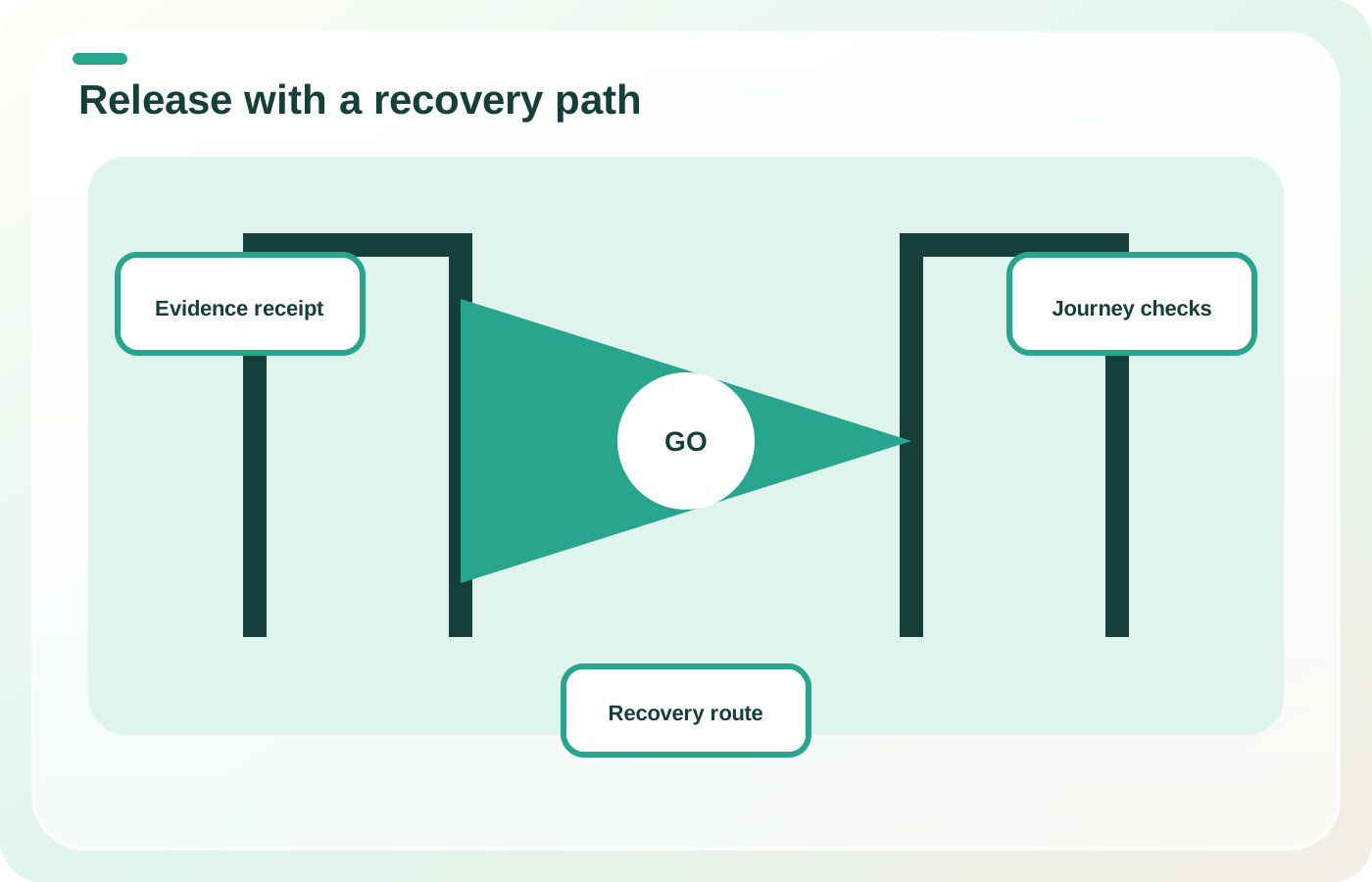
The release record should name the commit or theme version, preview URL, change owner, business owner, affected templates, linked admin changes, linked app changes, expected customer behavior, test evidence, observability, recovery action, and decision authority.
Use receipts instead of screenshots alone. A useful receipt says what was tested, with which product, market, customer state, and expected result. It also records what was not tested.
For a product-page release, evidence might include:
- default and sold-out variants;
- one product with subscriptions or bundles;
- accelerated and standard checkout entry;
- discount and market combinations;
- add-to-cart event receipt;
- mobile keyboard and focus behavior;
- one known slow device or constrained network profile.
Score the blast radius before approval
Not every release needs the same ceremony. Score the change on revenue path, persistence, reach, reversibility, dependency count, and observability.
| Risk signal | Lower-risk example | Higher-risk example |
|---|---|---|
| Revenue path | Editorial spacing | Cart price or purchase-mode logic |
| Persistence | CSS only | Customer or order data mutation |
| Reach | One hidden template | Global header or product template |
| Reversibility | Theme-only change | Theme plus app and admin configuration |
| Observability | Clear synthetic check | Silent measurement or feed failure |
High-risk releases need a named incident lead, a quiet release window, verified recovery access, and thresholds that trigger action. "Watch analytics" is not a threshold. "If add-to-cart success falls below the agreed baseline band for two consecutive checks, pause the release and run the recovery path" is actionable.
Choose recovery by state boundary
For each state, choose one of four recovery types:
- Revert: restore the prior version.
- Disable: turn off the failing component or integration.
- Compensate: apply a corrective change because the old state cannot simply return.
- Degrade safely: keep commerce available with reduced functionality.
Test the highest-risk recovery in advance. Confirm that the previous theme still renders with current app embeds and admin data. Confirm that the person authorized to publish can access the store. If a vendor controls the recovery, record its support path and likely response constraint before launch.
Watch journeys, not deployment status
Availability checks can say the site is up while a variant selector, discount, payment route, search result, or pixel is broken. Monitor the tasks changed by the release:
- open the affected template;
- select a representative variant;
- add the expected merchandise to cart;
- verify price and discount state from the cart response;
- start checkout;
- confirm customer events where measurement changed;
- inspect error, conversion, and support signals by device and market.
Keep the heightened monitoring window long enough to include real traffic and delayed reporting. Shopify notes that web-performance reporting can be delayed, so it should not be the only immediate release signal.
When speed is the safer choice
A small, isolated, theme-only correction with a clear preview, no data mutation, a known prior theme, and an observable outcome can move quickly. The release process should remove unnecessary delay, not remove ownership.
Rehearse one failed release
Take the last three production changes and mark every state they touched. If the existing rollback instruction covers only theme publication, add the missing disable, compensate, or safe-degradation paths. Assign one person who can make the recovery decision without waiting for a meeting.
Sources

