
One Shopify order appears as two GA4 purchases. The tempting fix is to rely on transaction_id deduplication and move on.
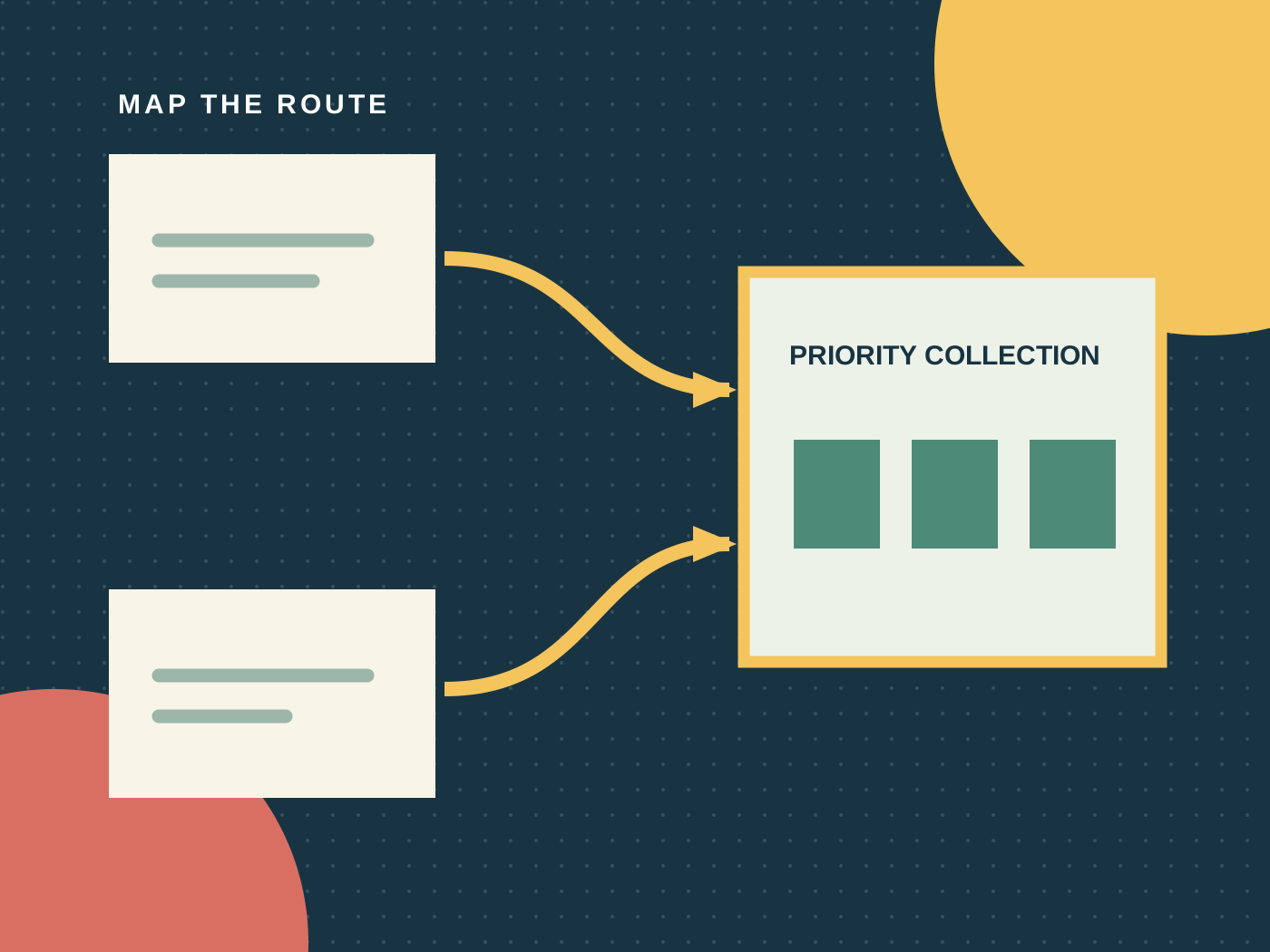
That treats a reporting safeguard as event architecture. A safer GA4 ecommerce tracking design has one authoritative purchase producer, one canonical transaction ID, and one evidence receipt for every controlled order.
Map every producer before debugging GA4
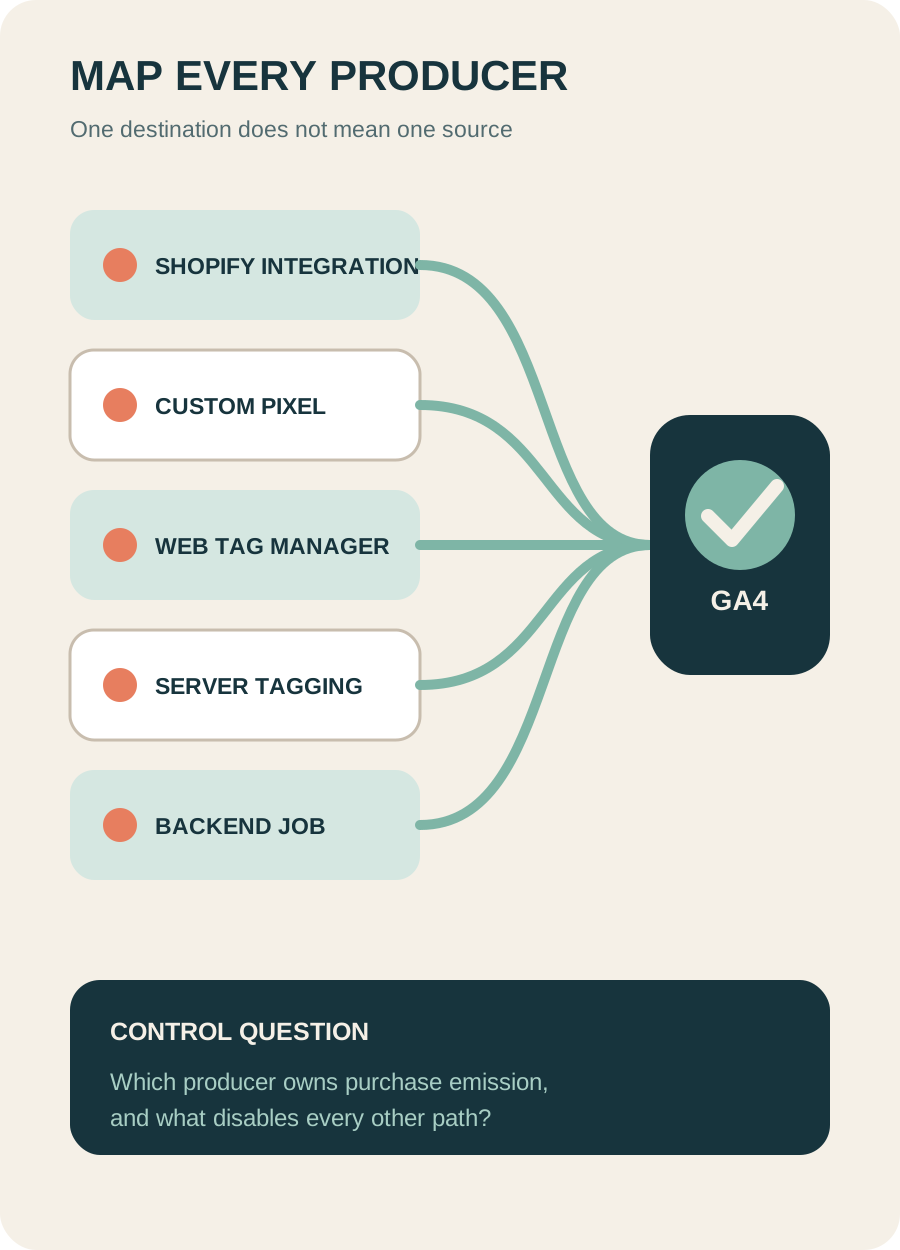
Start upstream of the report. List every system capable of emitting purchase: Shopify's Google integration or another analytics app, a custom pixel subscribed to checkout_completed, confirmation-page code, a Google Tag Manager web container, a server-side Tag Manager path, a backend Measurement Protocol job, or a mobile app stream.
For each producer, record the trigger, destination property and stream, order source, consent dependency, retry behavior, owner, and kill switch. Two producers targeting one property is an architecture decision, not harmless redundancy.
Shopify's checkout_completed event adds an important edge case. Shopify says it normally fires once per checkout. With post-purchase offers it can fire on the first upsell page, not again on the thank-you page. If the expected page never loads, it might not fire at all. Test the actual checkout path instead of assuming order completion and browser emission are identical.
Define a purchase receipt
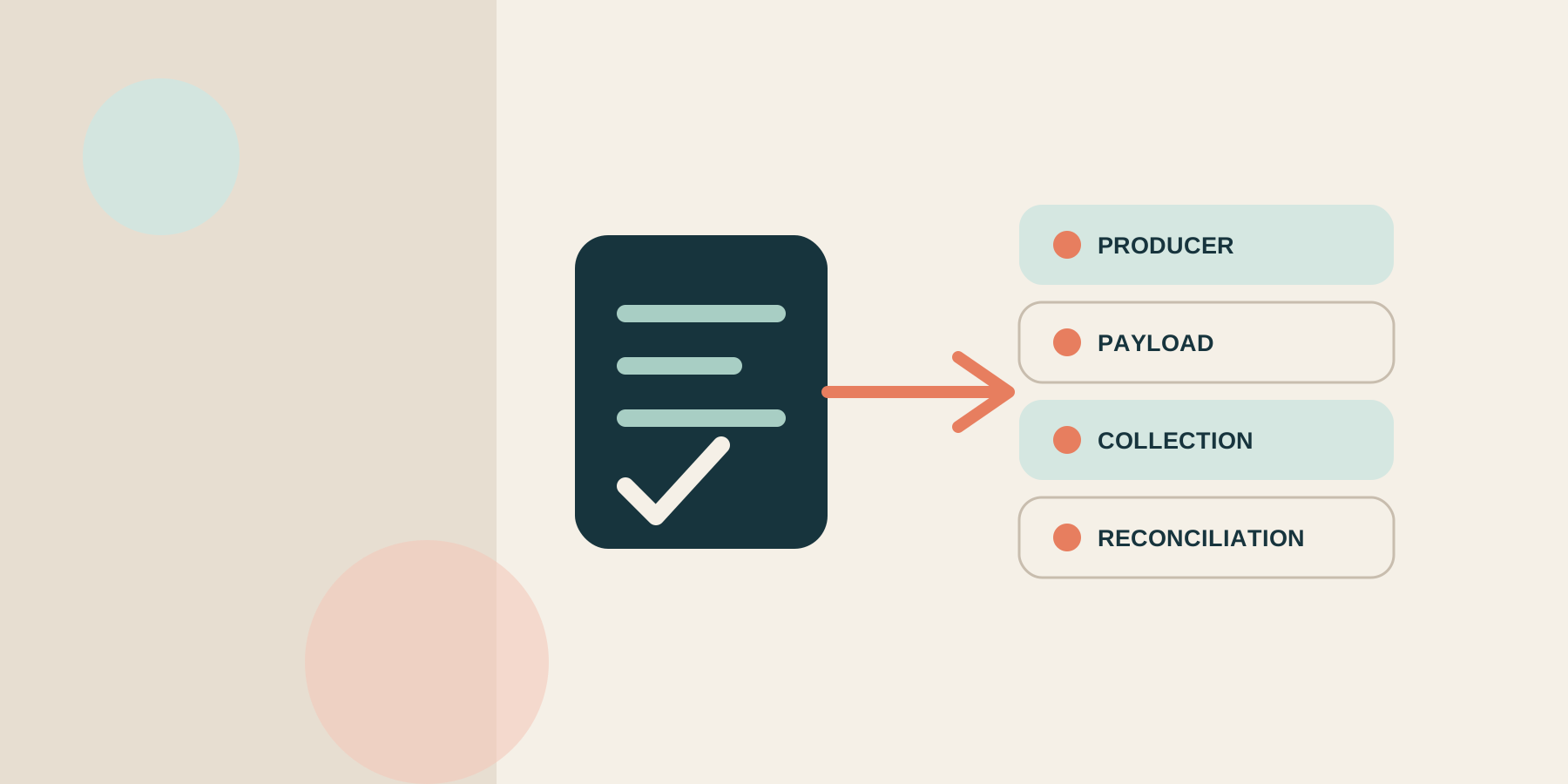
The receipt is a test record that joins commerce truth to the emitted payload. It is not customer data and should not contain names, email addresses, phone numbers, or addresses.
| Field | Source of truth | QA rule |
|---|---|---|
| transaction_id | Commerce order identity | Stable, unique per order, non-empty, and contains no personal data |
| value | Approved merchandise calculation | Sum of item price multiplied by quantity under the documented discount rule |
| currency | Order presentment or reporting policy | Valid three-letter code paired with value |
| items | Final purchased line items | Non-empty array with stable item identity |
| price and quantity | Line-item contract | Numeric unit price and correct purchased quantity |
| tax and shipping | Order totals | Separate from merchandise value |
| consent state | Consent platform at emission | Captured as observed evidence, not inferred later |
| producer ID | Measurement architecture | Exactly one authoritative source for the normal path |
Google calculates event-level revenue from event parameters such as value and currency. Item-level revenue depends on item data such as price, quantity, and the items array. This is why total purchase revenue can appear reasonable while item revenue, variant reporting, or units sold are wrong.
Test five layers, in order
Do not jump from Tag Assistant to a monthly revenue chart. Each layer answers a different question.
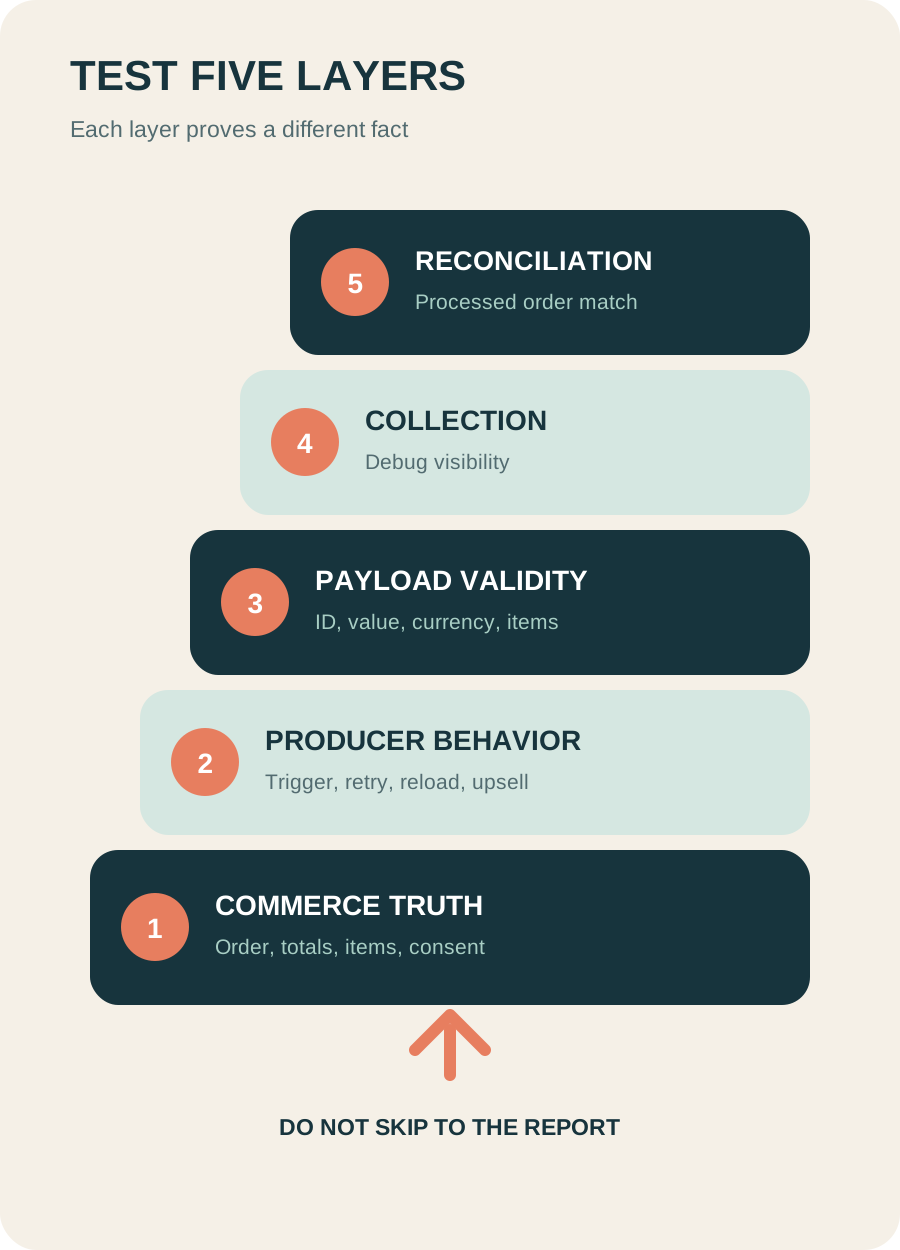
- Commerce truth: create a controlled order and record its ID, market, currency, items, discounts, tax, shipping, refund state, and consent choice.
- Producer behavior: identify the firing path. Reload the confirmation page, revisit the status URL, test an upsell, and exercise any server retry.
- Payload validity: compare the emitted event with the receipt. Verify transaction_id, value, currency, and every item rather than inspecting only the event name.
- Collection visibility: use debug mode and DebugView for the controlled user. Realtime visibility is an implementation check, not the final report.
- Processed reconciliation: join GA4 transaction IDs back to commerce orders after processing and classify the exceptions.
Use at least a normal order, page reload, guest checkout, returning customer, discount, multi-item cart, denied analytics consent, partial refund, full refund, and producer retry. The sample is small by design: it is a failure-path test, not a statistical performance study.
Reconcile exceptions, not only totals
Aggregate variance cannot tell you whether the cause is duplication, missing events, currency, refunds, item mapping, or timing.
| Classification | Meaning | Next owner action |
|---|---|---|
| Match | One order, one accepted purchase, contract agrees | Retain the receipt |
| Missing | Eligible order has no processed purchase | Trace consent and producer logs |
| Duplicate | More than one accepted purchase maps to one order | Identify the producer or replay path |
| Amount mismatch | ID matches but financial fields differ | Compare discount, tax, shipping, and currency rules |
| Item mismatch | Event total looks plausible but item fields differ | Inspect items, price, quantity, variant, and ID |
| Orphan | GA4 transaction has no commerce order | Exclude test or fraud cases, then investigate |
| Refund mismatch | Purchase exists but refund evidence diverges | Validate the refund producer and processing date |
Track exception count, value, age, and owner. Do not hide an exception with a filter until its cause is understood.
Know what transaction IDs cannot prove
Google warns that an empty transaction_id can cause purchases with the same empty value to be deduplicated together. It also says the ID must not identify a customer.
Even a valid ID cannot prove that one producer exists, the item array is correct, the customer granted analytics consent, or the backend order is legitimate. It cannot recover a browser event that never fired.
Refunds are separate events. Google recommends sending the relevant transaction ID and item information when available. Do not mutate the original purchase into a negative value or assume a Shopify refund automatically updates GA4.
A safe action for this week
Without changing live tags, choose three recent testable orders. Complete the producer map and receipt for each. Then run one new controlled order through the five-layer ladder, including a reload and the real post-purchase path.
If you cannot trace order to producer to payload to processed transaction, stop before adding another app or server-side path. More producers will make the uncertainty harder to diagnose.
Inficial can help ecommerce teams audit Shopify and GA4 event architecture, consent boundaries, item data, and order reconciliation before reports drive budget decisions.
Sources
- Google Analytics for Developers: Measure ecommerce, accessed August 25, 2026
- Google Analytics Help: Minimize duplicate key events with transaction IDs, accessed August 25, 2026
- Shopify.dev: checkout_completed standard event, accessed August 25, 2026
- Google Analytics Help: Fix missing revenue data, accessed August 25, 2026
- Google Analytics Help: Set up ecommerce events, accessed August 25, 2026
- Google Analytics Help: Ecommerce scopes, accessed August 25, 2026
- Google Analytics Help: About ecommerce metrics, accessed August 25, 2026
- Shopify Help Center: Setting up Google Analytics 4, accessed August 25, 2026