
Six months after launch, a customer asks to return an item from the old platform. The order is visible in an archive, but the return team cannot create the workflow, confirm the original tax treatment, or link the customer to the right transaction.
That is why import depth should follow future work, not an arbitrary date range. Decide which service, finance, loyalty, fraud, and account tasks need Shopify-native order objects, which can rely on a controlled archive, and how staff cross the boundary without guessing.
Let future service work decide the depth
Define which actions must work after launch:
| Use case | Shopify-native order may be needed | Archive may be sufficient |
|---|---|---|
| Customer sees order history | Yes, if shown in Shopify accounts | Yes, if a separate secure portal is accepted |
| Staff answers a support case | Useful for one-console service | Possible with reliable linked access |
| Native return workflow | Usually yes | No, if the return must be created in Shopify |
| Financial or tax reference | Depends on reporting design | Often, with controlled retention and access |
| Loyalty or segmentation | Depends on calculation source | Possible if aggregates are governed elsewhere |
Do not import millions of objects merely for comfort. Do not leave staff with two systems without a documented lookup path. The correct depth follows the operating model.
Define what an order must still do
For every imported order, preserve a source-system identifier in a stable field or controlled reference. Map customer, product, variant, currency, presentment currency, price, discount, tax, shipping, payment, fulfillment, refund, cancellation, return, timestamps, and source channel.
Document unsupported or transformed behavior. Shopify's orderCreate mutation is intended for orders created outside standard checkout, including external imports. Its documented inputs and limitations matter. For example, discount behavior must be represented deliberately rather than assumed to replay every source-platform calculation.
Import references before transactions
Shopify's migration guidance says to import products first, then customers, then historical orders so those records can be connected. Test that sequence on representative data before scale.
Use reference-resolution tables rather than matching only on mutable text:
- source product ID to Shopify product ID;
- source SKU and variant ID to Shopify variant ID;
- source customer ID to Shopify customer ID;
- source order ID to Shopify order ID;
- source transaction and refund IDs to their destinations or archive references.
Handle deleted products, reused SKUs, guest orders, merged customers, partial refunds, multi-currency orders, bundles, subscriptions, and edited orders as explicit exception classes.
Silence side effects during replay
Shopify warns that importing historical orders can trigger new-order notification emails to staff configured to receive them. Plan notification changes, approval, and restoration around the import.
Also test:
- whether imported orders affect analytics and the intended processed date;
- whether staff automation or Shopify Flow responds to the created order;
- whether fulfillment or ERP connectors ingest it;
- whether loyalty, helpdesk, or fraud systems treat it as new activity;
- whether return eligibility and customer-account visibility work as promised.
Never disable a control without recording who restores it and how restoration is verified.
Reconcile business meaning, not only rows
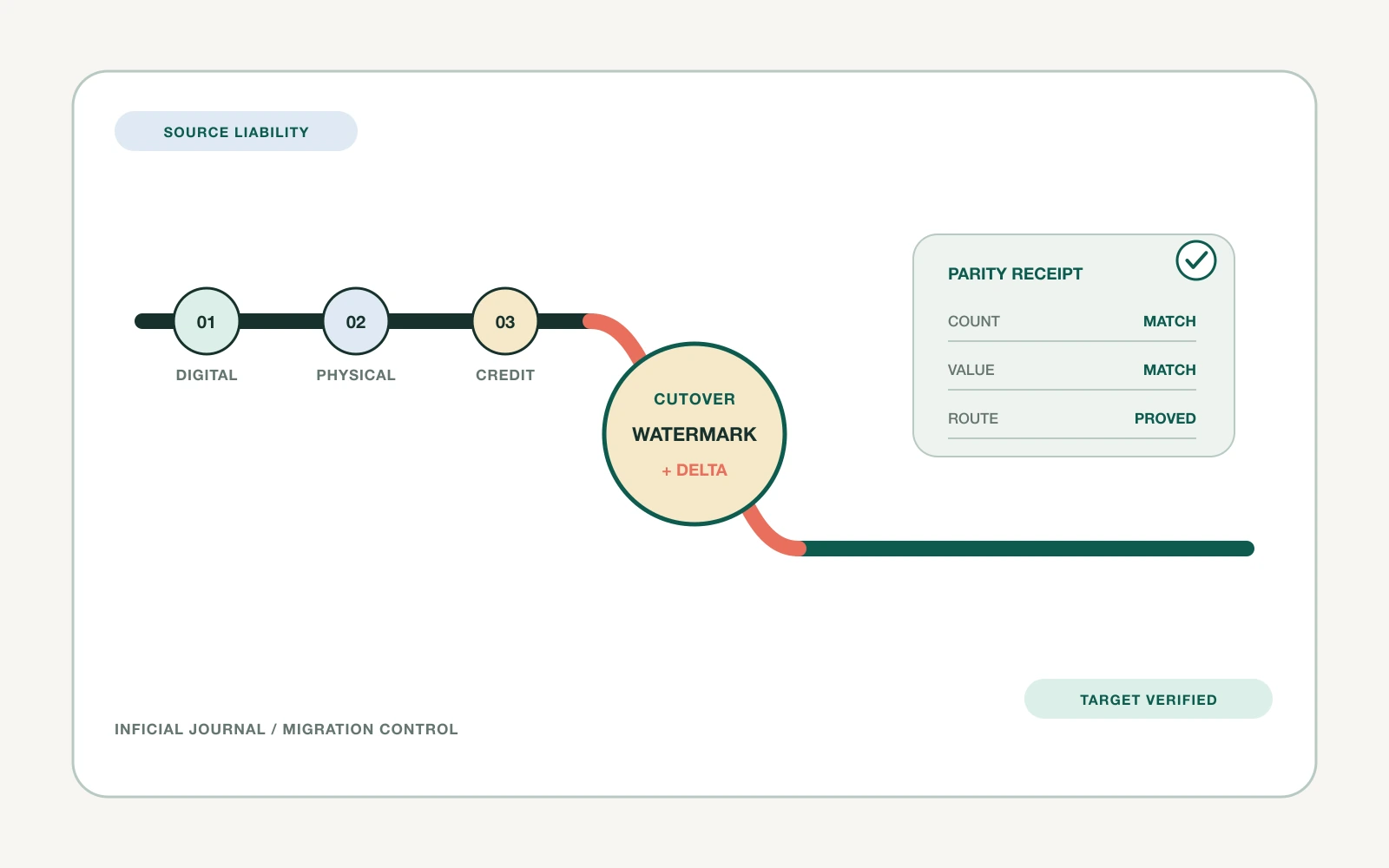
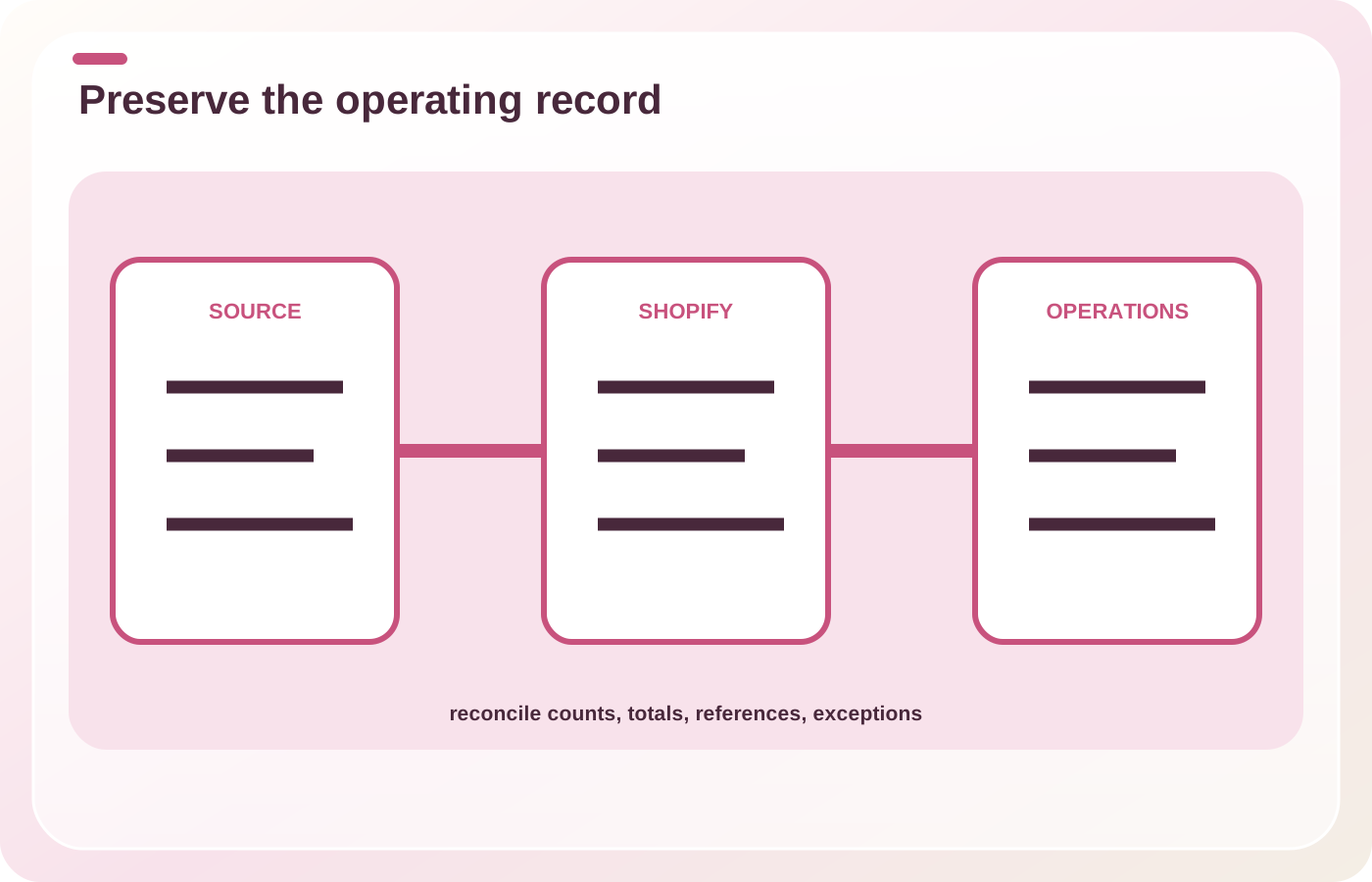
Reconcile totals and relationships, not only row counts. Compare by order month, currency, market, status, channel, customer linkage, product linkage, fulfillment state, refund state, tax, and gross value.
Keep three exception queues:
- Rejected: Shopify did not create the order.
- Created with transformation: the order exists but differs by an approved rule.
- Created incorrectly: the result violates the contract and needs correction or removal in a safe environment.
Sample every cohort, then investigate the full cohort when a sample fails.
Make the final delta boring
Define the source freeze, last extract boundary, import watermark, late-order handling, reconciliation deadline, notification window, and authority to pause. If the source remains live during migration, use stable timestamps and identifiers to prevent gaps and duplicates.
Recovery might mean pausing new imports, restoring notification settings, disabling a consuming integration, reverting the last cohort, or routing staff to the source archive. Decide before the first production import.
Tabletop one post-launch return
List every team that uses orders older than 30 days. For each, name the action performed, required fields, acceptable latency, required system, and failure impact. That operating inventory will determine which history belongs in Shopify and which can remain in a governed archive.
Sources