
A shopper searches in their own words, gets weak results, and leaves. Another opens a collection but cannot filter by the attribute that matters. A paid search app can look like the obvious fix.
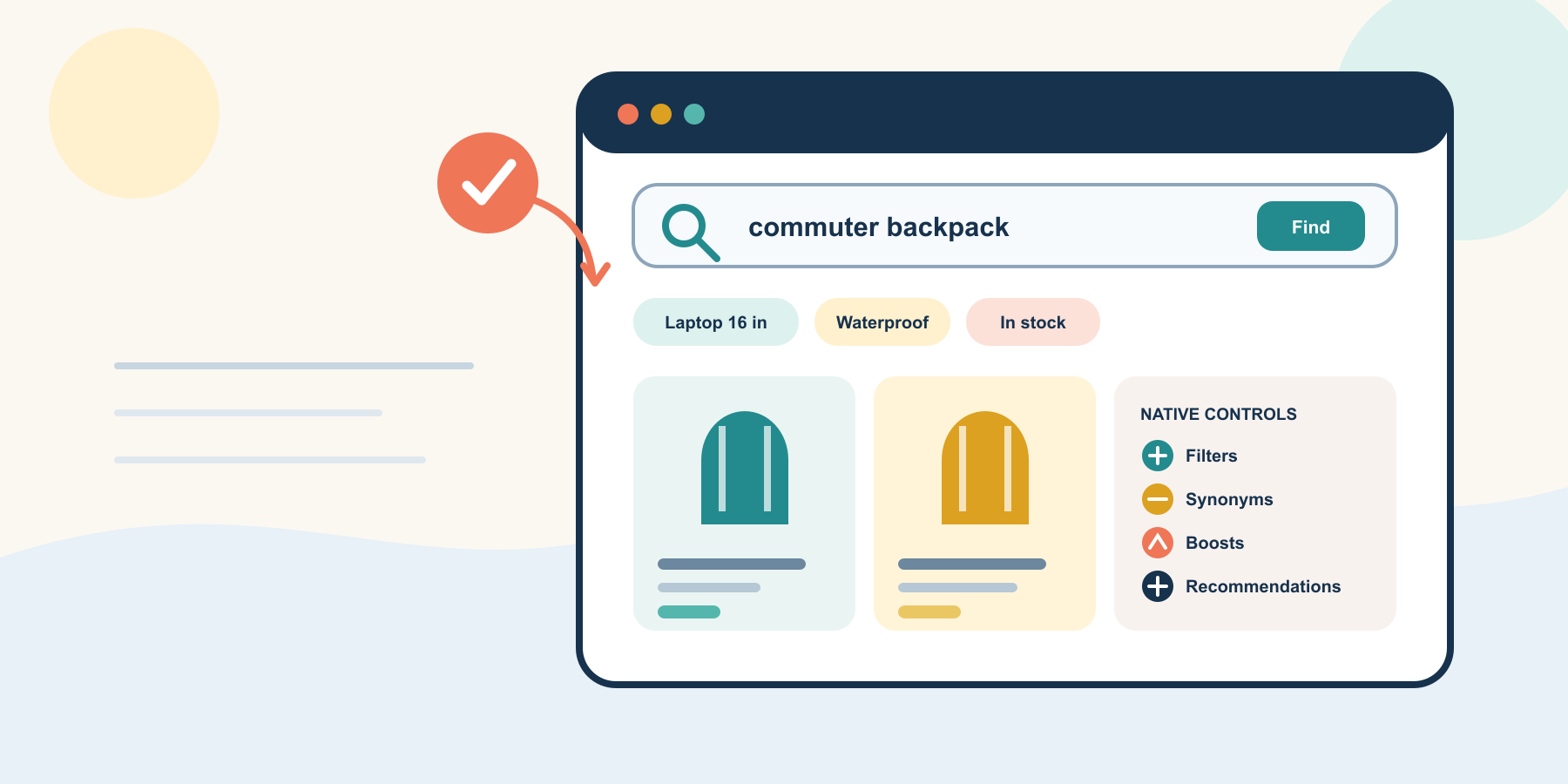
Start with Shopify's free Search & Discovery app. It can manage filters, synonyms, product boosts, result types, out-of-stock treatment, and recommendations. The harder work is fixing catalog inputs, making the theme display the controls, and measuring whether one change helps shoppers choose.
Diagnose the problem and start native
Search, filtering, predictive suggestions, and recommendations solve different shopper problems. Separate five common symptoms.
- No result: customer language does not connect to the catalog.
- Wrong order: relevant products appear too low.
- Too many choices: shoppers cannot narrow a collection or result set.
- Poor suggestion: predictive search does not offer a useful path.
- Weak next product: recommendations do not support the current purchase.
Shopify reports searches with no results, no clicks, click rate, purchase rate, and recommendation engagement. Use that evidence as the baseline. A synonym will not repair an incomplete size filter, and a product boost will not make a theme render filters.
Match the control to the symptom
| Shopper symptom | Native control | Guardrail |
|---|---|---|
| A true alternative term returns nothing | Synonym group | Connect substitutes, not loosely related products |
| A relevant product ranks too low | Product boost | Boost a few products for a narrow query |
| A collection is hard to narrow | Filter | Show only decision-useful, consistent values |
| Sold-out items dominate | Out-of-stock setting | Match the store's inventory and selling policy |
| A product needs a genuine companion | Complementary recommendation | Use active, available, relevant products |
Shopify recommends using no-result reports to identify synonym opportunities and keeping boosts narrow so they do not push better matches down.
Fix catalog and theme inputs
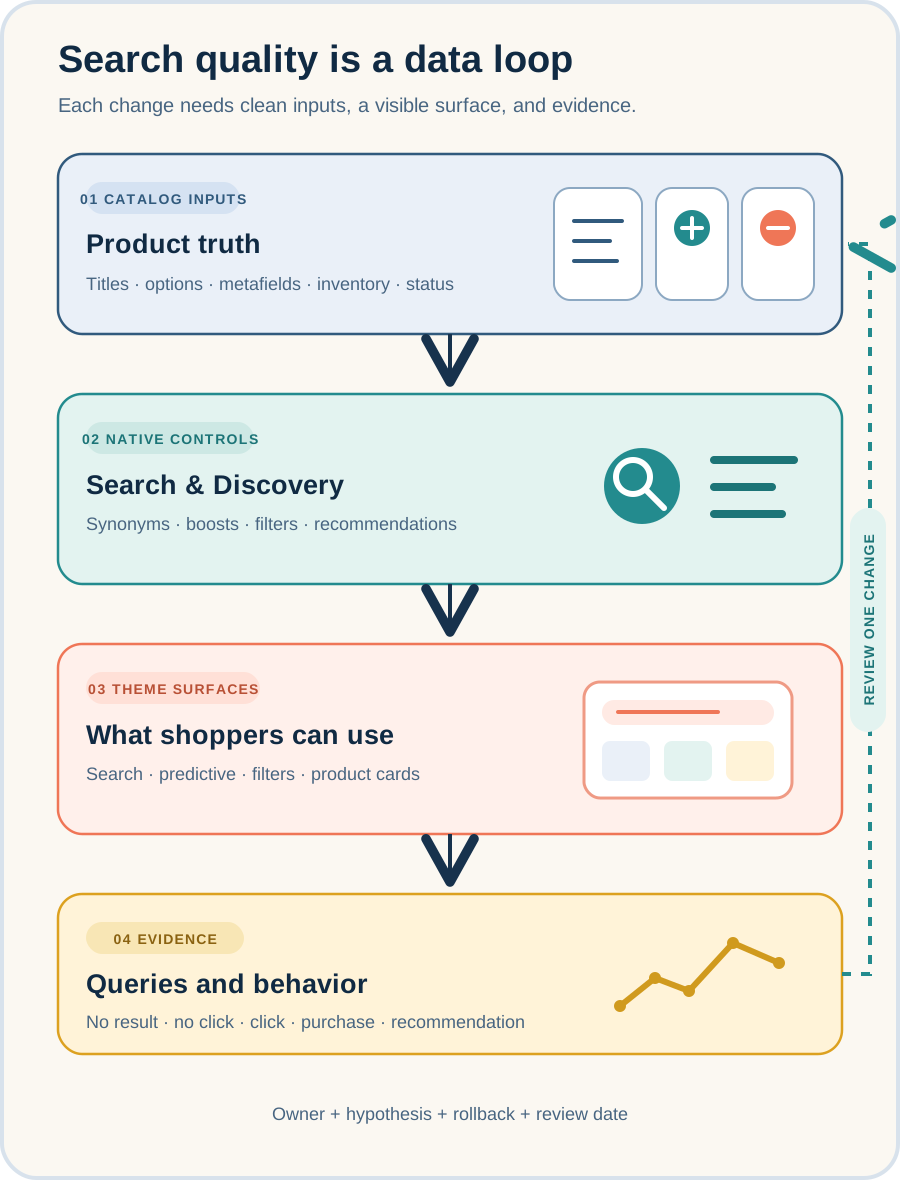
Search quality begins with titles, descriptions, product types, options, metafields, availability, and publication status. Filters work only when those values are consistent and the theme or custom storefront supports them.
- ✓Test full and predictive search.
- ✓Test collection and search filters.
- ✓Check empty, unavailable, and sold-out states.
- ✓Review product cards and recommendations.
- ✓Check mobile layout, keyboard use, labels, and loading behavior.
Use least-privilege staff roles. Shopify lists separate Products, Online Store Search and Navigation, and Reports permissions for different Search & Discovery tasks. The App Store listing also discloses access to products, collections, custom data, navigation, recommendations, staff details, and other store settings.
Run one seven-day pilot
Choose one high-intent query family or one collection task. Change only what the evidence supports.
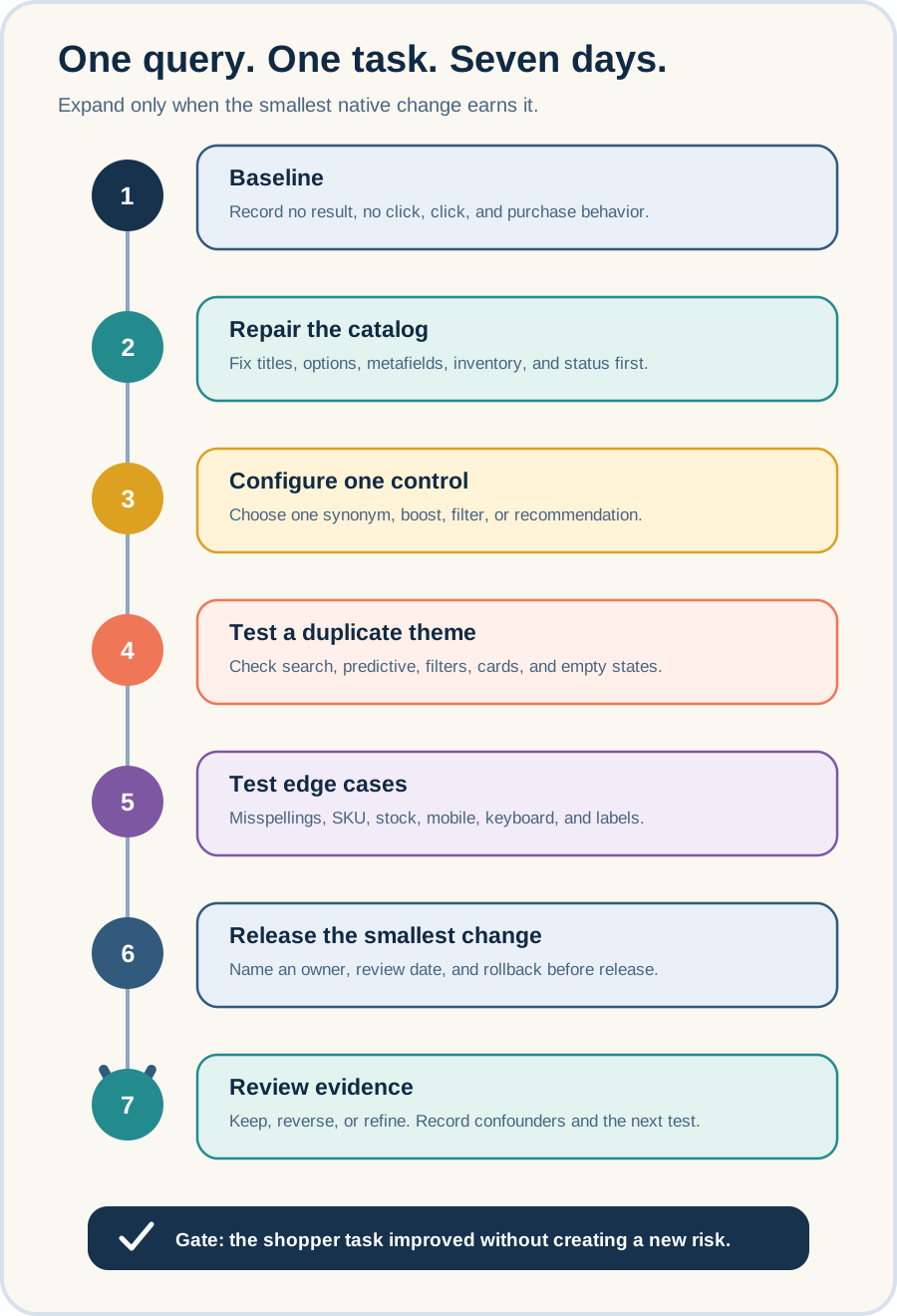
- Record the baseline for the chosen query or collection.
- Repair inaccurate titles, options, metafields, inventory, and status.
- Configure one synonym, boost, filter, or recommendation.
- Test full search, predictive search, filters, cards, and empty states.
- Test misspellings, stock, mobile, keyboard use, and labels.
- Release the smallest change with an owner and rollback note.
- Review the evidence, then keep, reverse, or refine it.
Shopify's Search & Discovery reports cover the search-results page but exclude predictive-search interactions. Record campaigns, inventory, price, promotion, and theme changes that might affect the same metrics.
Know the native limits and paid-app triggers
Shopify allows 25 active filters. Filters do not display for a collection with more than 5,000 products or a search returning more than 100,000 products. A storefront filter can display up to 100 values.
International stores need extra testing. Shopify documents translation limits for Vendor and Tags filters, and the price filter does not display in currencies other than the shop's default currency.
Consider a paid platform when a measured requirement exceeds native controls, such as large-catalog filtering, more advanced ranking logic, stronger multilingual behavior, richer predictive-search control, or a headless architecture with different service needs.
Before buying, require a representative catalog trial, permission review, theme and performance test, current price, data export, support commitment, and rollback plan. Do not upgrade because a vendor uses an AI label or claims a conversion increase.
Maintain a short register of filters, synonyms, boosts, recommendation rules, owners, reasons, and review dates. Recheck after catalog imports, taxonomy changes, theme releases, or market launches.
Take one safe action this week
Open the last 30 days of Shopify search reports and select ten high-intent searches with no results or no clicks. For each term, identify the product a reasonable shopper should have found, or write "no valid match."
Group valid misses into catalog data, customer vocabulary, ranking, or theme display. Choose one query family and define the smallest reversible change. This creates a useful pilot brief without installing another app or changing the live theme.
Inficial can help diagnose Shopify discovery problems, clean the catalog-to-theme contract, evaluate native and paid search options, and plan a reversible rollout.
No commercial relationship, sponsorship, affiliate arrangement, or endorsement involving Shopify Search & Discovery or a paid search vendor is known or implied.
Sources
- Shopify Search & Discovery reports and analytics, Shopify Help Center, accessed August 19, 2026
- Storefront search, Shopify Help Center, accessed August 19, 2026
- Shopify Search & Discovery, Shopify App Store, accessed August 19, 2026
- Modifying search with Shopify Search & Discovery, Shopify Help Center, accessed August 19, 2026
- Search behavior in your online store, Shopify Help Center, accessed August 19, 2026
- Adding filters with Shopify Search & Discovery, Shopify Help Center, accessed August 19, 2026
- Add predictive search to your theme, Shopify.dev, accessed August 19, 2026
- Configuring customer privacy settings, Shopify Help Center, accessed August 19, 2026
- Customize product recommendations with Shopify Search & Discovery, Shopify Help Center, accessed August 19, 2026