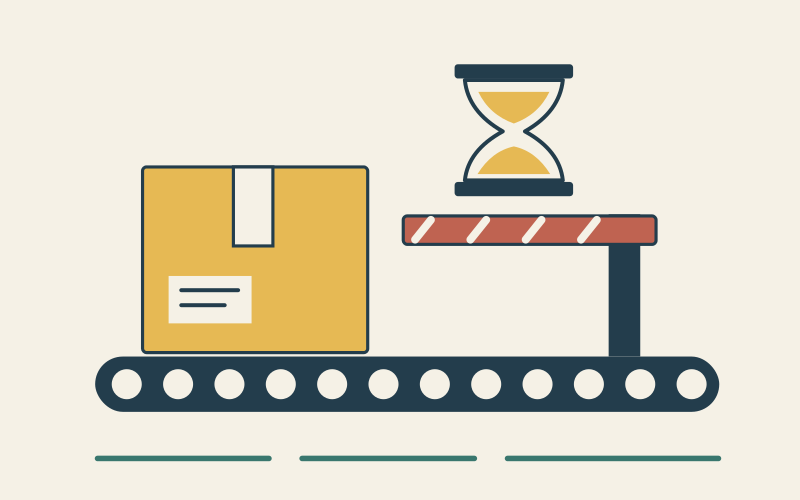
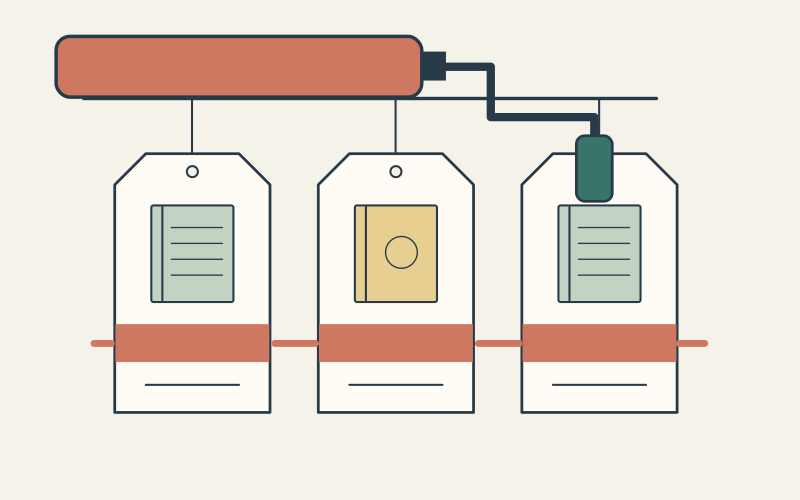
When Shopify has an order but your connected app does not, first find where the event stopped. Check the subscription, Shopify delivery log, your endpoint’s response, and the app’s processing record. Then compare the downstream state with Shopify and import what is missing. A successful webhook response alone does not prove that the business action completed.
This guide is for a merchant working with the developer or app provider who owns the receiver. The example is illustrative: an order created at 10:00 appears in Shopify, but the accounting system still has no matching order at 10:10. Do not change accounting records or replay a financial action from the example without checking the actual order and integration.
Locate the last confirmed step
Ask for one affected shop, order ID, approximate event time, expected webhook topic, app, and downstream record. Search the app’s subscription configuration before assuming an event was sent. A topic, destination, filter, access scope, or subscription that differs from the expected setup changes what Shopify will deliver.
For an app built with Shopify CLI or the Dev Dashboard, the app owner can inspect Monitoring and Logs in the Dev Dashboard. Shopify’s troubleshooting guide explains that delivery logs can be filtered by topic, status, and shop; a delivery detail shows its destination URI, response code, attempt number, time, and webhook ID. The logs can lag by several minutes, so a just-created order missing from the view is not conclusive.

- No relevant subscription: check its topic, destination, filter, and creation method. Recreate a missing shop-specific subscription only after fixing why it disappeared. Shopify’s troubleshooting guide distinguishes this from app-specific subscriptions, which do not need the same re-subscription step after downtime.
- A failed delivery: inspect the response and retry count. A non-2xx response, connection failure, or timeout points to the receiver or its network path. Shopify retries failures, but retries are finite.
- A 2xx response with no downstream order: inspect the app’s durable queue, worker result, mapping, and accounting API response. Shopify’s log establishes acknowledgment, not completion of the later work.
- No delivery row yet: allow for logging delay, then check the correct shop, topic, time window, and subscription filter. Compare your app’s own receipt log before declaring an event lost.
Repair the receiver before you retry work
Shopify’s delivery guidance gives an HTTPS receiver a one-second connection timeout and a five-second limit for the full request. Verify the delivery signature from the raw body, durably accept the event, return a 2xx response, and process slower work asynchronously. A redirect is not a successful acknowledgment.
Do not treat a retry as a new order. Shopify can deliver the same webhook again. Make the downstream operation idempotent and store the `X-Shopify-Webhook-Id` to detect duplicate deliveries. If multiple subscriptions receive one merchant action, their delivery IDs differ; `X-Shopify-Event-Id` can help correlate the action, but it is not a replacement for a delivery-level deduplication key.
If signature verification fails, check that the app computes HMAC-SHA256 over the raw request body before JSON parsing, using the app client secret. Shopify’s maintained app template can handle verification; a custom receiver must implement and test it. Shopify’s delivery guidance applies this raw-body requirement to HTTPS delivery and describes different handling for Google Pub/Sub and Amazon EventBridge.
Recover the missing state with a bounded comparison
A fixed receiver helps future events; it does not automatically restore the missing accounting order. Shopify’s webhook guidance recommends periodic API reconciliation because delivery is not guaranteed and an app can also mishandle a delivered event. For the affected resource, fetch Shopify records from a window that starts before the last known good sync, then compare them with the downstream system by stable ID.
Keep the recovery window overlapping the last confirmed checkpoint to cover timing gaps. The overlap is an implementation choice, not a Shopify-required interval. Page through the complete result set, respect the app’s granted scopes and API limits, and record the shop, resource, window, cursor/checkpoint, and every discrepancy. Shopify notes that many GraphQL queries support an `updated_at` filter; check the chosen resource and query rather than assuming every object has the same filter.

For the example, the recovery job sees order 123 in Shopify and no matching accounting record. Before importing it, verify that the order is still eligible for that accounting workflow, check whether another job already created a record under a different key, and use an idempotency rule for the intended write. If there is a partial record, repair or escalate it instead of creating a second invoice. A deleted resource or an event-only side effect may need a different recovery source; a current-state query cannot recreate every historical event.
- ✓The subscription for the expected topic and shop exists, points to the correct destination, and has the intended filters.
- ✓A controlled test event has a visible delivery with a 2xx response and a matching receiver/worker log.
- ✓The original affected order is present exactly once downstream, with the expected totals and identifiers checked by its owner.
- ✓The reconciliation log lists the query window, pages fetched, missing IDs, actions taken, skipped duplicates, and final checkpoint.
- ✓Monitoring covers failed delivery rate, removed subscriptions, response time, and worker failures; someone owns the alert and recovery procedure.
Run the controlled test in a development store or on approved test data where possible. If the live order has financial or fulfillment consequences, have the responsible team validate the proposed repair before the write. Keep the webhook receiver and reconciliation job observable as separate steps so the next incident is easier to locate.
- Trace one product through a Shopify inventory integration
- Assign an owner to Shopify API version changes
- Define incident ownership and recovery evidence
Questions that change the recovery plan
Can Shopify replay every missed webhook?
Does a 200 response mean my accounting order was created?
Should I process webhooks in arrival order?
Start with one affected record and find the last step you can prove. Once the receiver and downstream job pass the controlled test, reconcile the missed window and record the new checkpoint. That closes the present gap and gives the team a repeatable way to find the next one.
Sources